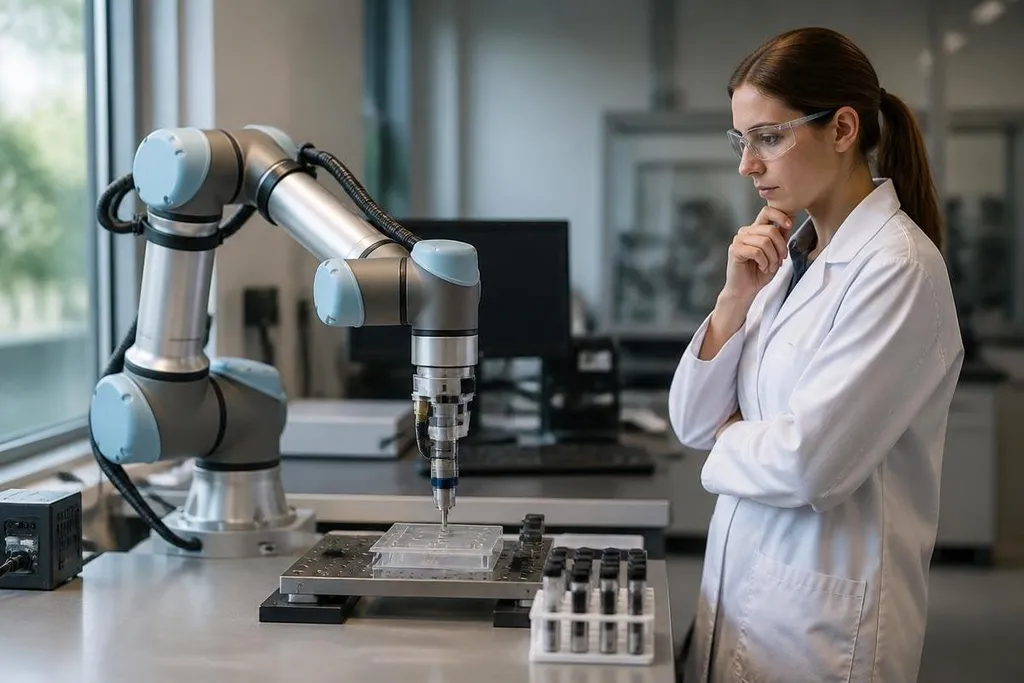
A research robot can repeat the same movement for hours, record each result, and work in places that may harm a person. The trade-off is clear: you gain repeatable work, but you also add software, sensors, motors, and new ways for an experiment to fail.
- Robots repeat set movements without tiring.
- Sensors can record force, position, temperature, or images during a test.
- Poor calibration or weak safety rules can spoil results and injure people.
Where research robots help
Repetition is the simplest reason to use one. A robot arm can move a sample along the same path many times, while its controller records position and motor force. That gives a research team a cleaner comparison between trials.
The robot can also work in places that are hard for people to enter. A mobile robot with LiDAR can map a room, avoid objects, and collect images from areas with dust, heat, or unstable ground. LiDAR measures distance with light pulses, so the robot can build a map while it moves.
Remote work is another benefit. A researcher can send commands through a network and keep away from a hazardous test area. That matters when the work involves high voltage, chemicals, radiation, or moving equipment, though remote control does not remove the need for a person nearby who can stop the system.
Robots also make long tests possible. A machine can run a pump, inspect a crop, move lab samples, or watch a structure through the night. The useful result comes from the record it creates: time stamps, sensor readings, camera images, and the exact commands sent to the robot.
The risks behind the hardware
Repeatable movement does not guarantee a correct result. The system may follow the same path while a force sensor drifts, a camera loses focus, or a sample changes with temperature. If the team checks only the robot’s motion, it can collect a large set of wrong data.
Software adds another failure point. A research system may combine a robot operating system such as ROS 2, a motion planner, cameras, and a network link.
A change in one part can alter timing or movement in another, so teams need version records and tests after each change.
Physical safety needs its own plan. The arm can keep moving after a network connection drops, and an autonomous mobile robot can enter a space while someone is working there. Guards, speed limits, visible status lights, and reachable emergency-stop controls should match the robot’s size and force.
There is also a research risk: automation can hide the choices behind the result. A system may remove samples, reject images, or label faults before a person checks them. The team needs a record of those rules, or later researchers may struggle to repeat the work.
What to check before a project starts
For an industry team weighing a lab robot, the test starts after the demo ends. A dated report from Robot 24 can place the task, staff input, and failed runs beside the robot’s claim. Those facts give the project team a clear base for the checks that follow.
A useful test plan should answer four points:
- Task boundary: Write down the exact job the robot will do and the jobs a person will still handle.
- Failure response: State what happens after a blocked path, lost network link, bad sensor reading, or power cut.
- Data record: Save software versions, calibration files, sensor logs, and camera data with each trial.
- Human control: Check that a trained person can stop the robot and restart it without entering danger.
- Result check: Compare robot-collected data with a manual measurement before trusting a long run.
These checks cost time at the start, but they protect the part of the project that takes longer to replace: the experiment itself. I'd use a research robot when the task is repetitive or unsafe for people, and I'd keep a person responsible for the data and the stop decision.
A practical decision guide
Choose automation when the task has a fixed path, clear success test, and useful sensor record. Keep the work manual when the task changes often, depends on judgment, or lacks a safe way to stop the robot.
Before signing off, confirm that the system can run in its real work area, with its real samples and people nearby. A lab demo may show movement; the project needs repeatable results and a safe failure mode.